
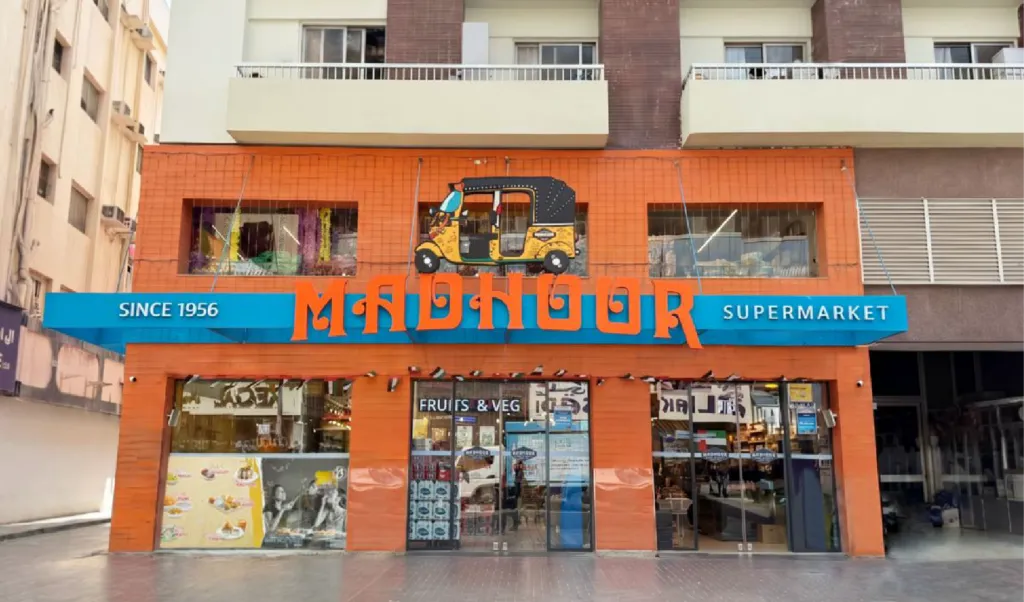
A chain of 6 supermarkets in Dubai handles about 2,500 retail orders a day and runs on its own POS and accounting system.
Home delivery before the project was occasional: orders were taken and organized by hand in a messenger. The task was to build a real delivery service where the app, the warehouse and the back office work as one.
Four requirements for picking groceries
A grocery order is picked differently from an ordinary online order. Here is what the system had to do.
The picker sees everything they need right on the screen
The data collection terminals run as a web app inside the accounting system and suit different scanner models. Any change to the picking logic appears on all terminals at once, with no updates to install device by device.
POS and warehouse see the same data
An integration gateway with queues and a log of every message runs between the systems. If a mismatch appears, you can see what was passed and when. The exchange doesn't block users and survives short outages of external systems.
From an order in the app to a delivery run
The order from the app reaches the warehouse with no manual re-entry. The picker scans unit items, sees the weight for weighed goods, and replaces a missing item with an equivalent. The total and the documents recalculate on their own.
What works in the system
One terminal for the whole warehouse, updates appear on all devices at once.
Everything in one flow
Each external system is connected so that the buyer sees the current product and price, and the order goes straight into the records and on to the warehouse.
We joined the buyer's app, the warehouse and accounting into one loop. An order placed in the app lands in the accounting system, is confirmed automatically, becomes a picking task, is carried out by the picker on a data collection terminal and is handed to the courier for a delivery run. Every step is recorded in one system, so nobody has to reconcile what the buyer ordered, what was picked and what went out.
The chain's POS system and Odoo run in parallel, exchanging products, barcodes and sales.
The system is assembled from ready modules of the Graz.tech EVO platform, and for this client we customized the integration with their system, delivery geozones, substitution with an equivalent, the scanner screen and deep links from the app.
How it is built
Odoo 14 on the Graz.tech EVO platform sits at the center. The warehouse terminals run as a web app inside it. The server side of the mobile app also lives in the accounting system, so the catalog, prices, stock and bonuses come from a single source.
The exchange with the client's existing system and external services goes through an integration gateway with queues. The gateway keeps records matched between systems and works through queues, so the exchange doesn't block users.
From start to steady support
The system keeps developing
Directions for development:
Who this solution suits
We'll show it on your store's processes
We take your process and show what standard Odoo covers and what is really worth extending.
We will get back to you promptly to agree a demo time.