
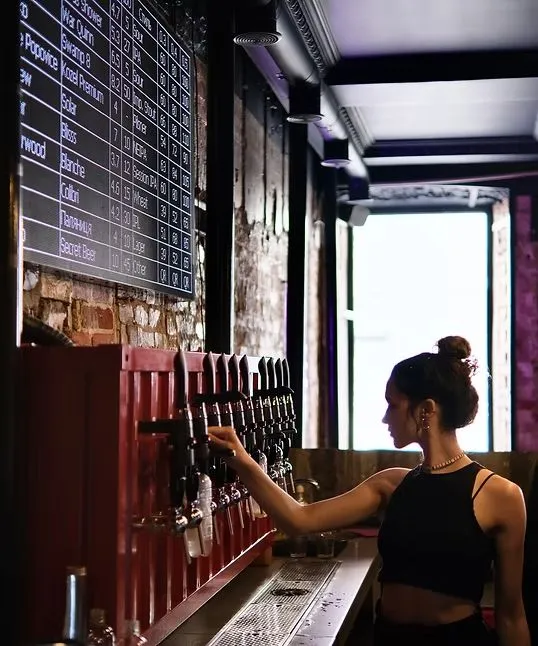
The Konteyner bar chain wanted to run purchasing, sales at its locations, table service and table reservations in one system.
The goal at the start: one system for the whole chain, from buying an ingredient to the guest's check and payment to the supplier.
One drink is sold as 40 ml, 50 ml, a shot or in a cocktail, each with its own ice, glassware and garnish. Entering that by hand means hundreds of items and just as many recipe cards.
Ten days on a trial before building anything
We ran Discovery as a separate stage. In 10 days, together with the client's team, we modeled purchasing, inventory, POS and finance scenarios on an Odoo Enterprise trial and set up two points of sale. The client saw the system running on their own processes before implementation began.
Standard Odoo almost everywhere, custom code in one place
Inventory, purchasing, recipe cards, POS, loyalty and accounting run on the standard functionality of Odoo 19 Enterprise. We didn't rewrite them, we configured them for the chain's processes.
This made it fast: the client didn't pay to develop what the platform already has, and got a system that updates together with the platform.
We customized one thing: the bar menu generator, without which the menu would have to be entered by hand.
The bank also needed no code: we connected and configured a ready-made module from the official Odoo marketplace.
A new drink on the menu takes one action from the technologist
The technologist describes a serving format once: the name, a suffix (“40 ml,” “in a cocktail,” “shot”), categories and fixed ingredients: ice, glassware, syrup, garnish. A base drink in a large container is marked as the generating one. After that the system creates the menu items with variants by volume, and a kit recipe card for each variant, on its own.
POS, inventory and loyalty work “as is”
The solution has no customizations to POS, inventory or loyalty. This is deliberate: platform updates don't break the system, and the cost of ownership stays low.
From serving format to stock write-off
We described the serving format once, and the system creates the menu items, the variants by volume and a recipe card for each. Selling a portion at the POS writes off the exact volume of the base drink and the accompanying ingredients.
What works in the system
We deployed separate test and production environments, migrated the reference data (items, suppliers, counterparties) and the opening balances of the first bar, trained the staff and supported the launch on site.
Fully automated bank operations
Bank statements flow into Odoo automatically, and payment orders to suppliers are created straight from the system. The accountant no longer reconciles the bank by hand or enters payments one by one.
From Discovery to the first bar
Who this solution suits
We'll show it on your venue's processes
We'll take your process and show what standard Odoo covers and what is really worth customizing.
We will get back to you promptly to agree a demo time.